PLATFORM ♡

Log Data Backup

Data Backup (Backup)

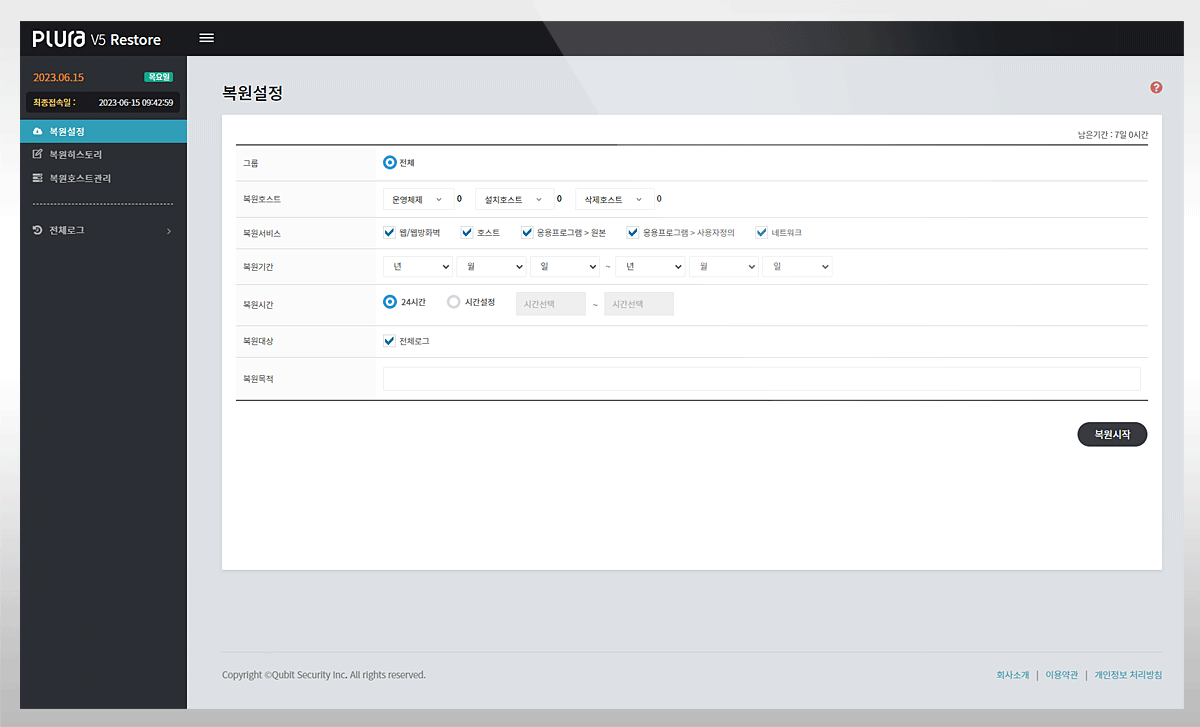
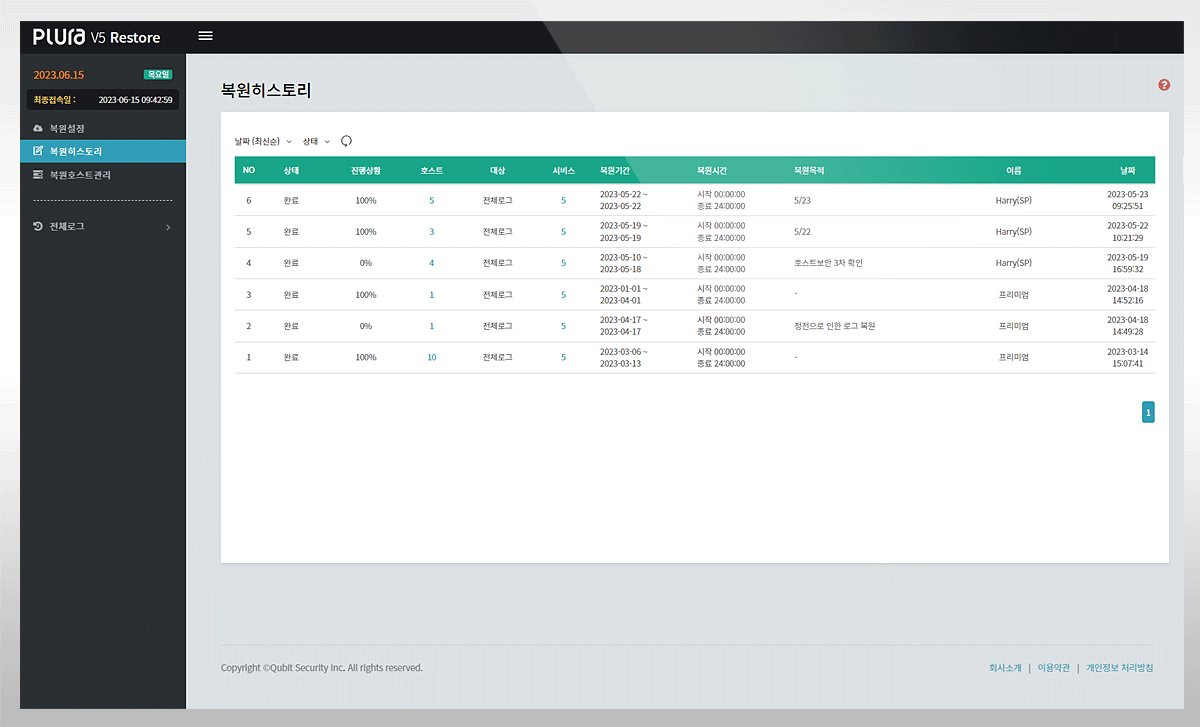
The key to log management is to preserve past logs using an audit policy and restore them when needed.
Without an audit policy, logs contain no meaningful data.
PLURA uses audit policies to generate and analyze logs to detect anomalies.
All logs that include audit policy context are stored for the long term immediately upon upload and are managed with dual Hot & Cold backups.
ISMS Compliance — Supported Items
Protection Measure Requirement

2.9.4 Log and Access Record Management

Data Storage & Retention
Hot Backup

Selectable 1–3 months / Real-time search supported

Cold Backup

Selectable 1–12 months / Device storage for hot backups
Search not supported

Features
Supports Zero Trust Architecture (ZTA)
"For servers, applications, information security, network systems, etc.,
define log types (e.g., user access records, system logs, privilege grant history),
retention periods, and retention methods, and ensure they are stored and managed
securely to prevent tampering, theft, or loss."
Data Types
Windows PC Event Logs · Sysmon (Sysmon)
Windows Server Event Logs · Sysmon (Sysmon)
Linux/Unix Audit · Syslog
Web header + body logs
Application logs
Network equipment syslog
Security device syslog